Back
Ageru Conference Booking App
Industry
IT Infrastructure
Client
Savi Vision
Challenge
The client, a meeting room booking service based out of Gurgao, was experiencing several challenges related to meeting room usage, scheduling, and support service coordination: Key Problems Inefficient meeting booking workflows: Users had to rely on separate devices (laptops or mobile phones) to create or modify meetings, invite attendees, or update meeting details. Lack of real-time interactivity: The room display couldn’t be used to edit meeting titles, assign organizers, or input attendee emails directly. No direct way to request room services: Users had no way to request services like cleaning, catering, or IT support from the room interface, and facility teams were not receiving timely notifications. Poor meeting visibility: Users couldn’t easily view current meeting details, organizer names, or how much time was left in the meeting. Unclear room status: The display did not visually indicate whether the room was booked, free, or pending confirmation. Inconsistent branding: The interface lacked customization options to reflect corporate colors, logos, or themes.
Solution
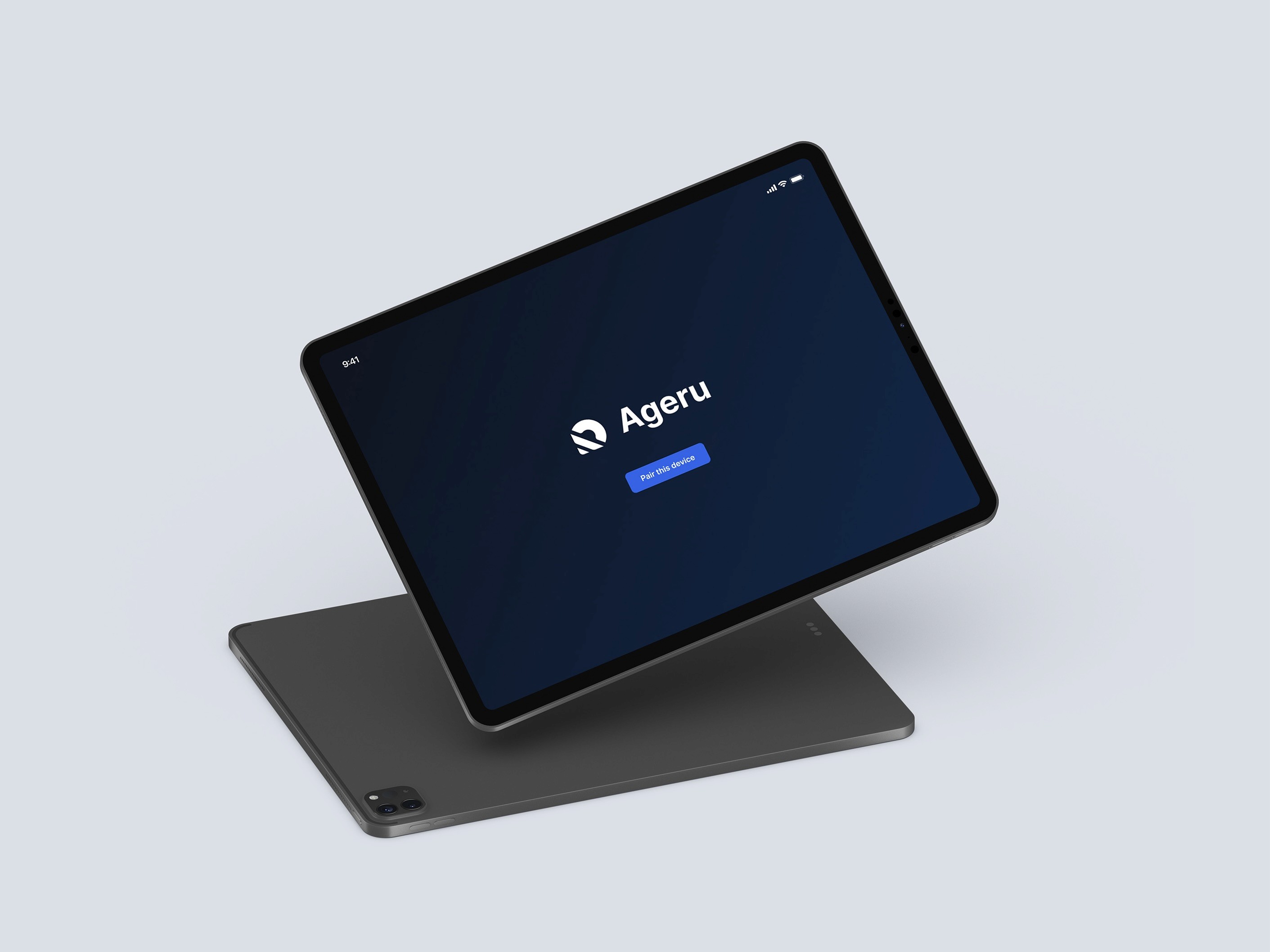
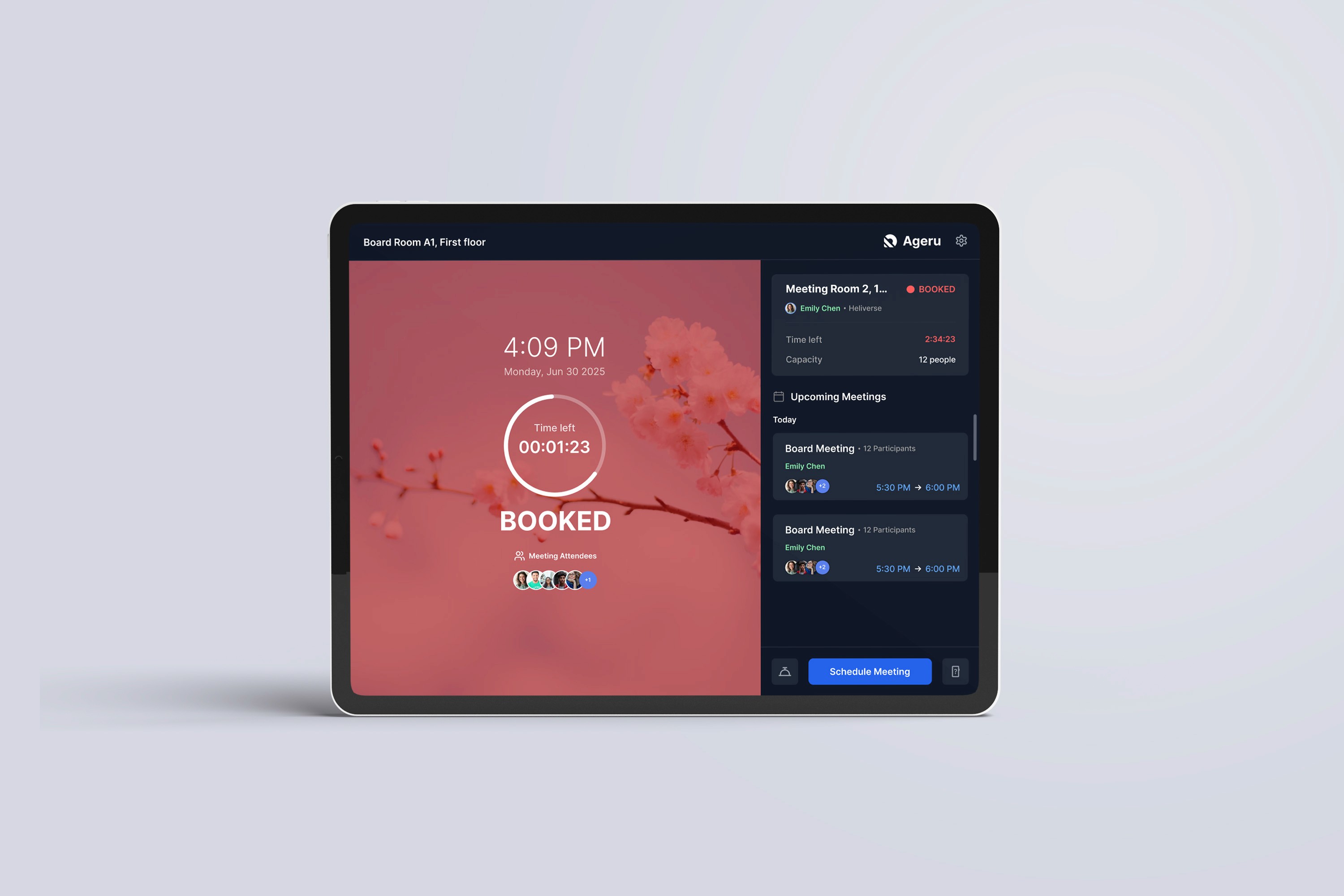
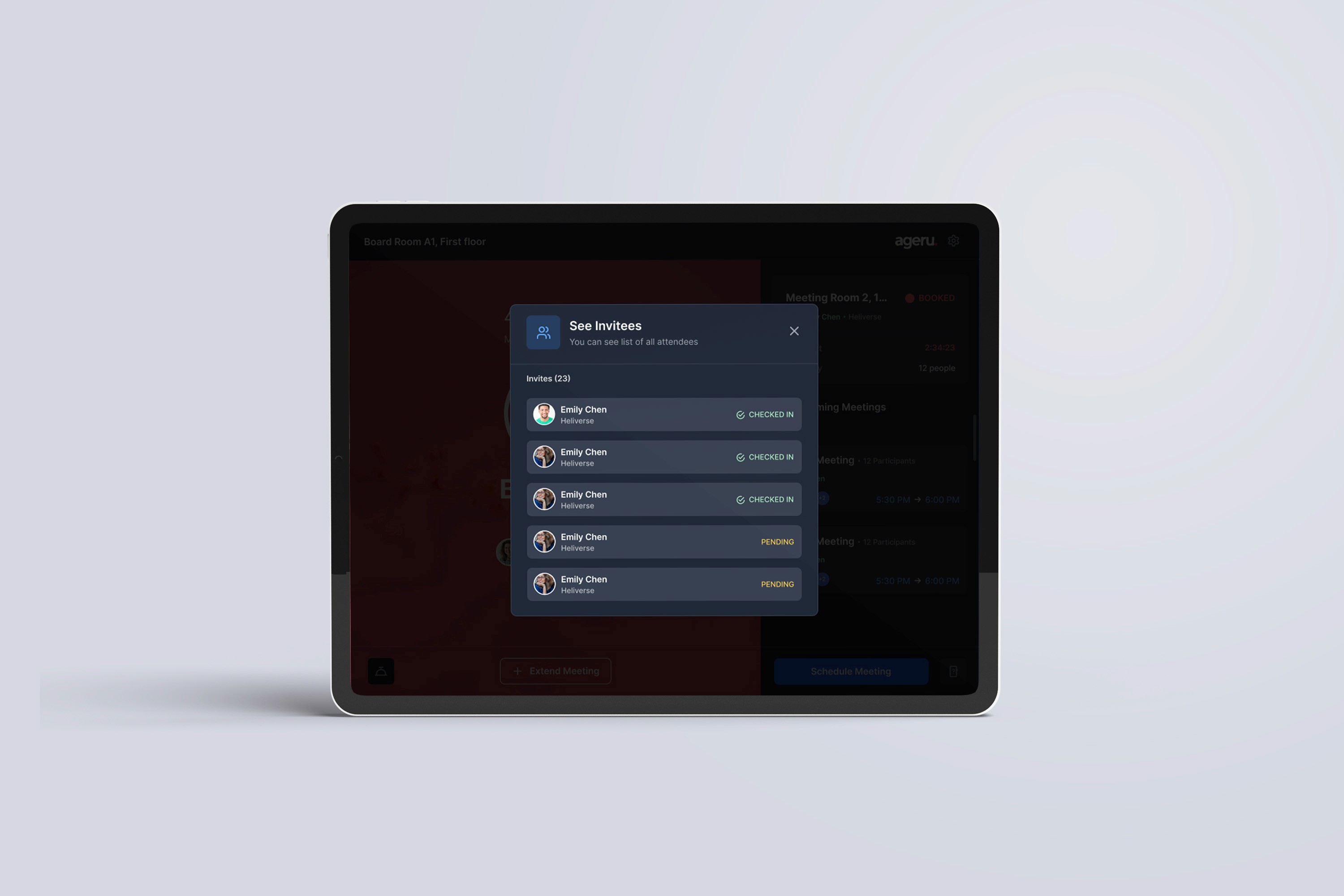
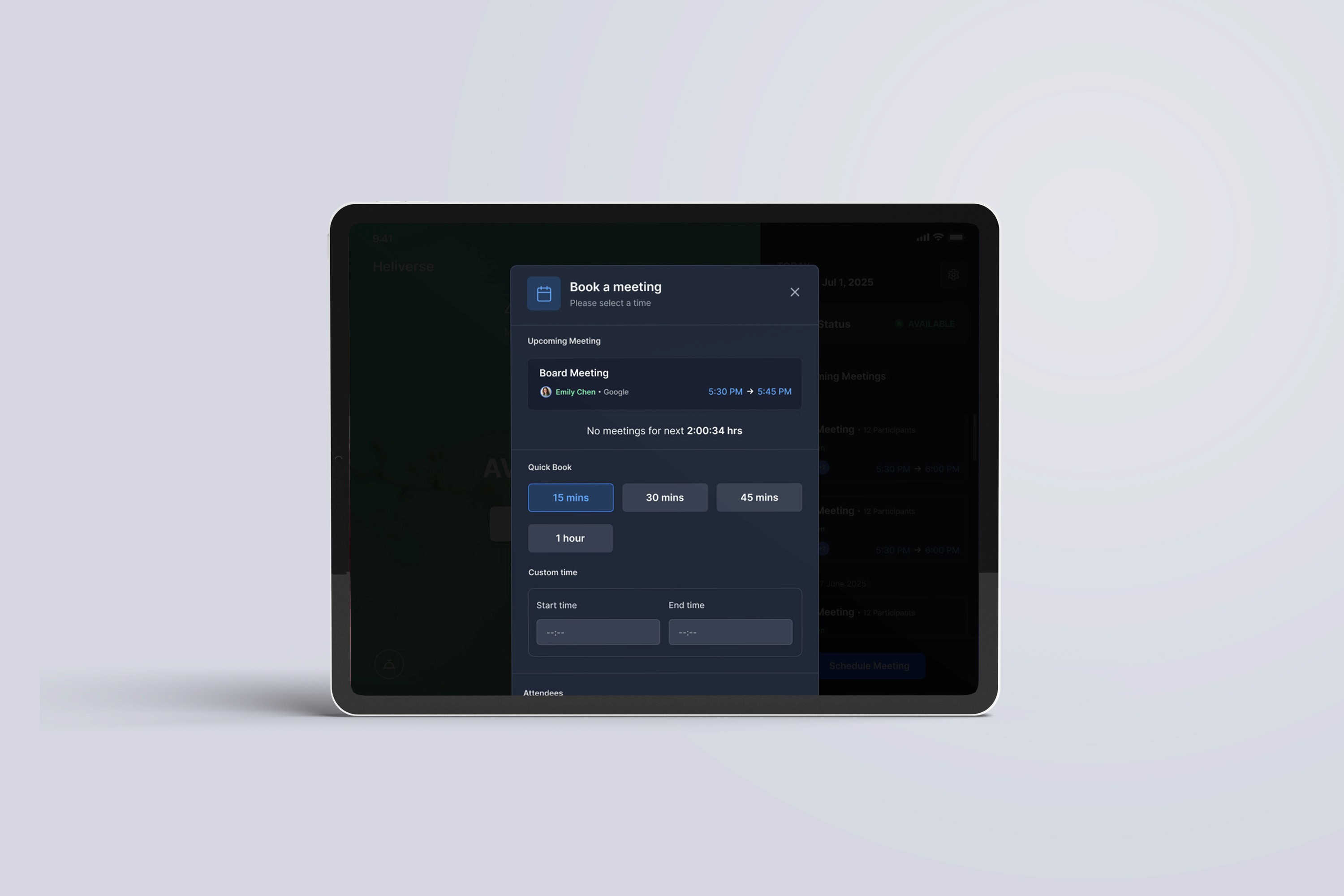
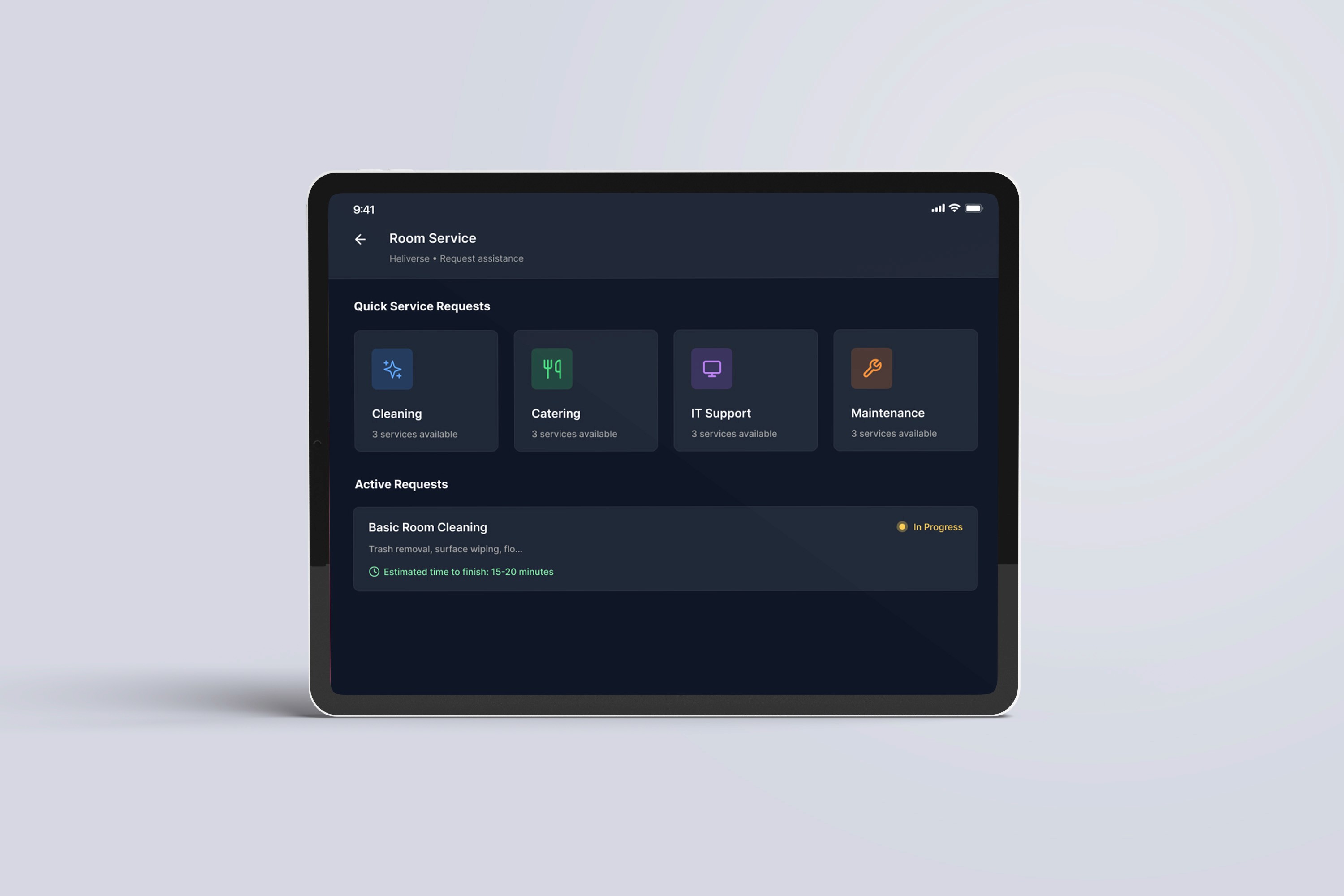
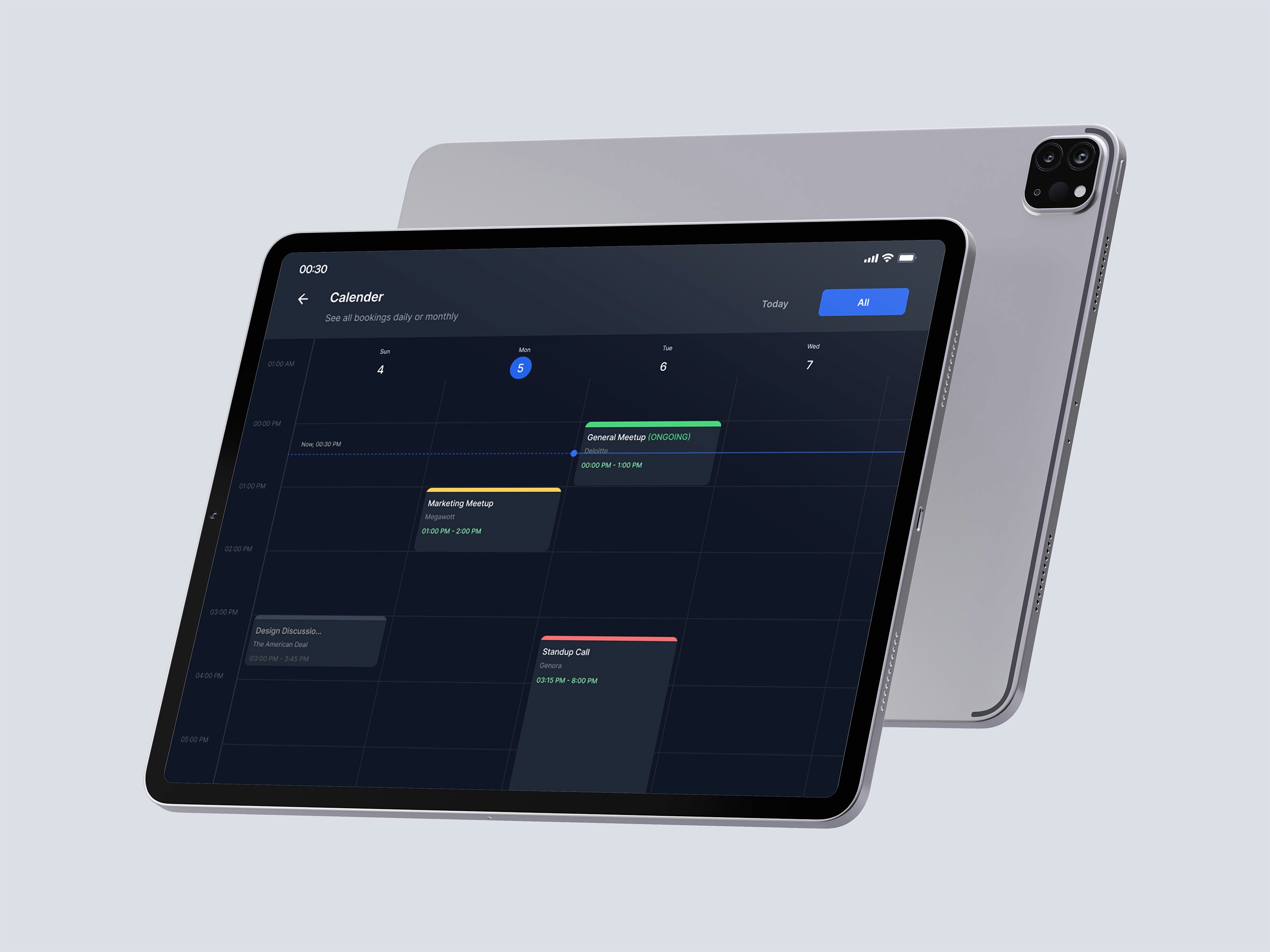
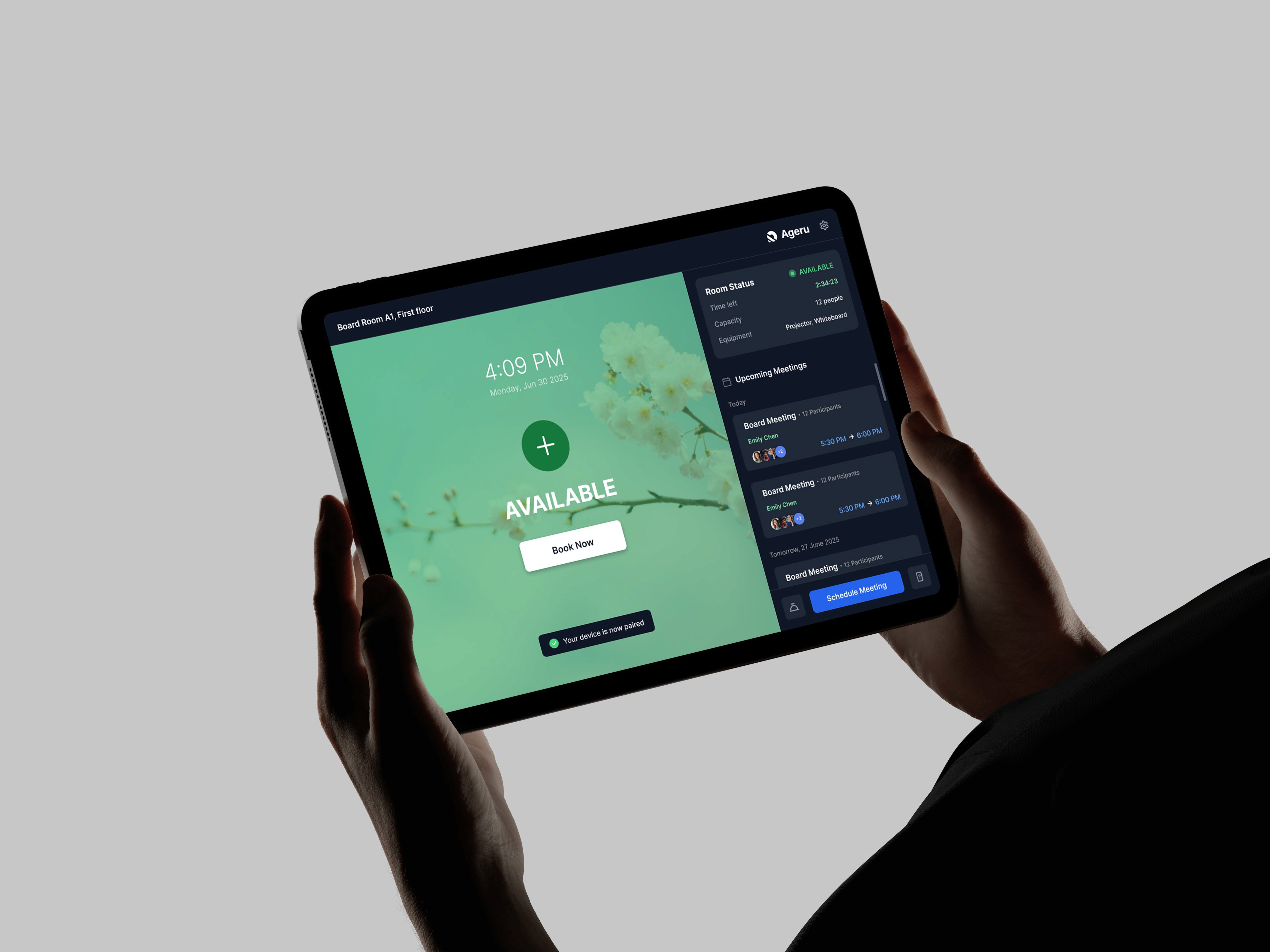
To address these challenges, I designed and delivered a highly interactive, branded meeting room display interface that served as a centralized control point for all meeting and room-related actions with following features. Fully interactive booking interface: Users can schedule or edit meetings directly from the room display, including setting meeting titles, adding attendees via on-screen keyboard, and assigning an organizer. Quick-action service request buttons: Dedicated buttons for Cleaning, Catering, and IT Support trigger instant SMS or email notifications to facility teams using predefined templates. Room options modal: Users can select service types or cancel actions through a clear modal interface before submitting. Live meeting display at the center of the screen, showing the current title, organizer, time, and a large countdown timer. Agenda panel with chronological meeting view, clearly separating today’s schedule from future meetings. Color-coded room status indicators: Green (available), Orange (pending confirmation), Red (booked), displayed prominently.